Open-source · Self-custody · Ledger + Trezor support
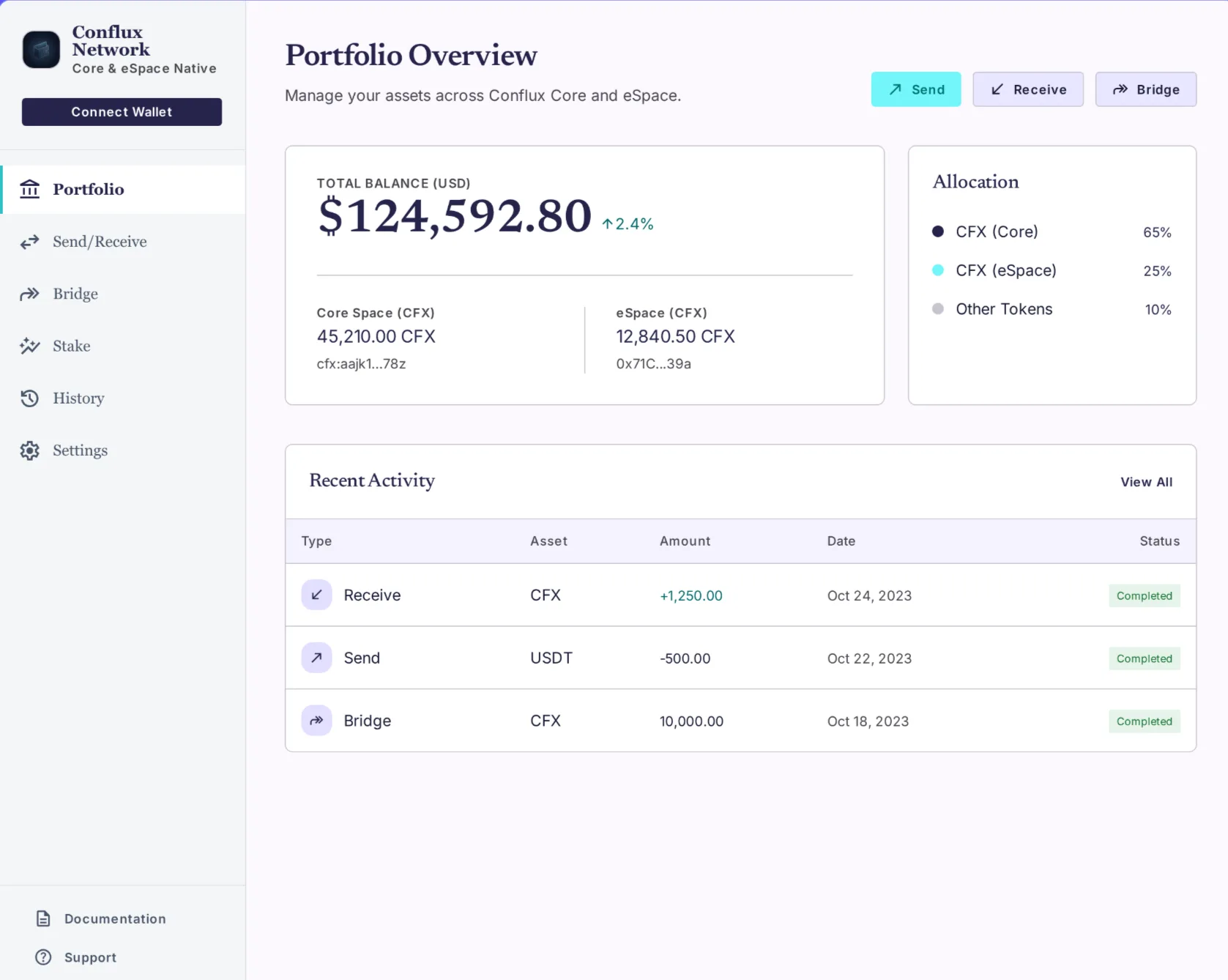
Conflux Wallet is a self-custody cryptocurrency wallet for the Conflux Network. It runs as a native desktop application on Windows, macOS, and Linux, and as a mobile app on iOS and Android. The wallet manages CFX (the Conflux Network's native token) and supports both of Conflux's execution environments: Core Space, the network's native VM, and eSpace, which is Ethereum-compatible. Hardware wallet pairing with Ledger and Trezor keeps private keys offline.
License
Open-source
Custody
Your keys
Networks
Core + eSpace
Hardware
Ledger + Trezor
Platforms
Desktop + mobile
What Conflux Wallet does
Both Conflux spaces, one wallet
Conflux runs two execution environments. Core Space uses Conflux-native addresses (cfx:...). eSpace is EVM-compatible and uses standard 0x... addresses. Conflux Wallet handles both. Address format determines which space — you can't send to the wrong one. how Conflux's two execution spaces work.
Bridge Core ↔ eSpace in-wallet
Move CFX between Core Space and eSpace from inside the wallet. Tap Bridge, choose the direction, sign once. No separate dApp, no manual chain-switching, no third tool open in another tab. move CFX between Core and eSpace.
Stake CFX, see rewards
Conflux Network pays a built-in 4% annualized staking rate. Stake from the wallet. See your stake, accumulated rewards, and unlock date on one panel. Unstake when you want — no vesting tricks. how to stake CFX.
Hardware wallet, one-click setup
Plug in a Ledger Nano S, Nano X, Stax, or a Trezor Model T or Safe 3. Conflux Wallet prompts to install the Conflux app on your device if needed, then imports your accounts. Keys never leave the device. hardware wallet support.
Desktop and mobile, same wallet
Native desktop app on Windows, macOS, Linux. Mobile app on iOS and Android. Same seed phrase across devices. The desktop app runs in its own window — no browser-extension focus-loss, no signing window vanishing mid-transaction. Conflux Wallet download.
Stuck transaction? Speed up or cancel.
If a CFX transaction sits pending, the wallet detects it and offers Speed Up (replace with higher gas) or Cancel (replace with a zero-value tx at the same nonce). No ConfluxScan trips, no manual nonce surgery. stuck transactions help.
Non-custodial. Your keys, your CFX.
Conflux Wallet stores nothing on a server. No email to verify, no password to reset, no support agent who can recover funds. You generate a seed phrase, write it down, and that's the wallet. There is no central record of your wallet because the wallet is just keys on your device.
Coming from Fluent?
Fluent is the Conflux browser extension. Conflux Wallet is the native desktop and mobile app. They share the same seed-phrase format — restore your existing wallet in 60 seconds.
CFX trades around $0.06 USD with a market cap near $300M. The token powers transactions, staking, storage collateral, and governance on the Conflux Network. Price moves with stablecoin issuance on Conflux (AxCNH, USDT0, XAUt0), real-world asset deployments, and Belt & Road corridor activity.
Conflux Wallet is non-custodial and open-source. Your private keys never leave your device — the wallet doesn't have a server that holds them. For maximum security, pair the wallet with a Ledger or Trezor hardware wallet so keys stay on the device. Always store your 12-word seed phrase offline.
Is Conflux Wallet the same as Fluent Wallet?
No. Fluent Wallet is the Conflux browser extension (Chrome, Firefox, Edge). Conflux Wallet is a native desktop and mobile application — Windows, macOS, Linux, iOS, Android — that supports the same Conflux Network. They use the same standard seed-phrase format, so you can restore an existing wallet.
What is CFX?
CFX is the native token of the Conflux Network, a Layer 1 blockchain. CFX is used to pay transaction fees, stake for the network's built-in ~4% annualized rewards, lock as storage collateral on Core Space, and vote in governance. (Searching for ANSYS CFX, the Yamaha CFX piano, or Pioneer DJ Smart CFX? Different products entirely.)
Does Conflux Wallet support hardware wallets?
Yes. Conflux Wallet pairs with Ledger Nano S, Nano X, Stax, and Trezor Model T and Safe 3. Plug in the device, the wallet detects it, prompts you to install the Conflux app on the Ledger if needed, and imports your accounts. Private keys stay on the hardware device.
Can I use Conflux Wallet on mobile?
Conflux Wallet is available for Windows, macOS, and Linux today. iOS and Android are in active development and will be released as soon as they're ready. The desktop version delivers the full Conflux Wallet experience in the meantime.